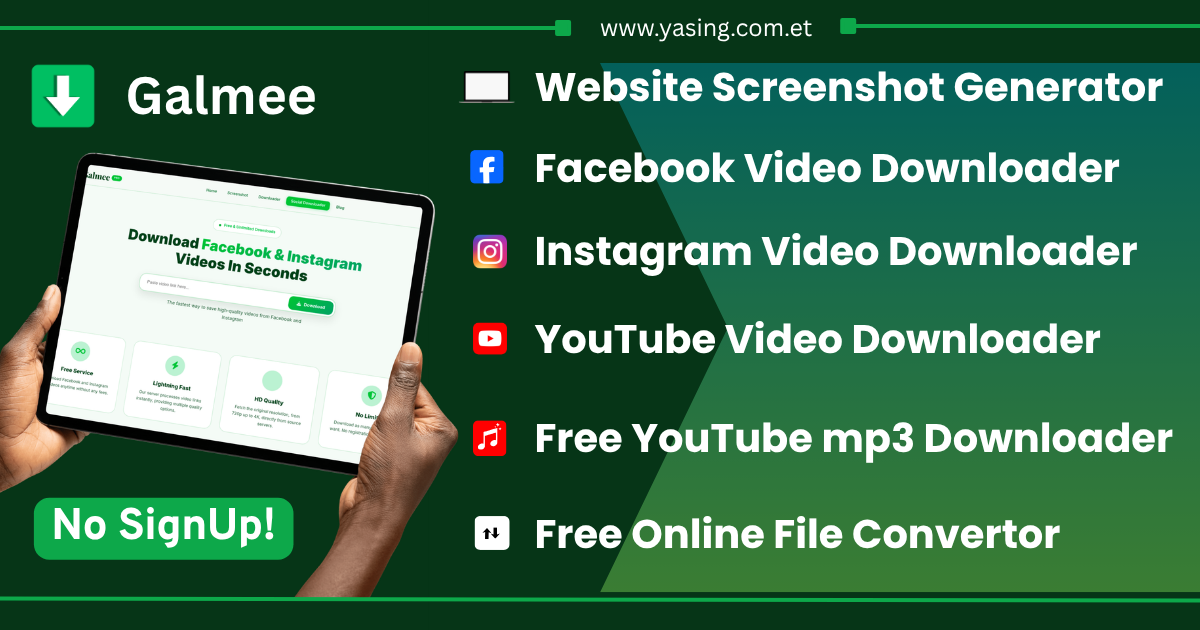
How to Download Facebook & Instagram Videos in HD Quality - Complete Guide
Want to save your favorite Facebook and Instagram videos to watch offline? Whether it's a funny reel, an inspiring story, or an important tutorial, Galmee makes downloading social media videos incredibly simple. This comprehensive guide walks you through every step.
💡 Quick Tip: With Galmee, you can download any public Facebook or Instagram video in under 30 seconds — no registration required!
Why Download Social Media Videos?
- Watch Offline: Save videos to watch without internet
- Save Important Content: Keep tutorials and educational content forever
- Share with Friends: Send videos to friends who don't use social media
- Content Creation: Use videos as reference for your projects
- Preserve Memories: Save special moments before they disappear
Step 1: Find Your Video
Open Facebook or Instagram and find the video, reel, or story you want. Ensure the video is from a public account — private content cannot be downloaded.
Step 2: Copy the Video Link
On Facebook:
- Tap Share below the video
- Select Copy Link
On Instagram:
- Tap three dots (•••) top-right
- Select Copy Link
Advertisement Space Available
Step 3: Use Galmee to Download
- Go to yasing.com.et
- Galmee auto-detects the link from your clipboard
- The video loads within seconds
Step 4: Choose Quality & Download
- 1080p (Full HD) — Best for large screens
- 720p (HD) — Great balance
- 480p (SD) — Smaller, faster
Your Advertisement Here
Why Choose Galmee?
- 100% Free — No hidden costs
- No Registration — Instant access
- Auto-Detect — Clipboard detection
- HD Quality — Up to 1080p
- All Devices — Mobile, tablet, desktop
- Privacy Focused — No data storage
✅ Ready? Go to Galmee Social Downloader and start now!